Spot the DifferenceLevel 5 · Hard
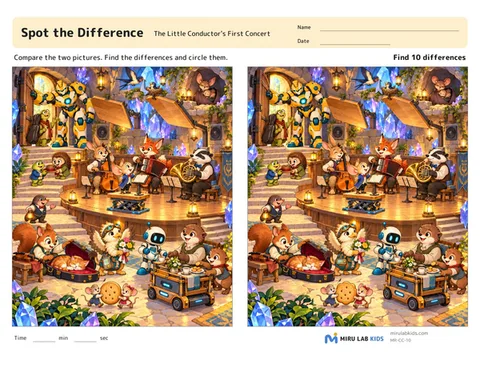
10 differences. Compare the whole picture carefully. More changes that look alike, such as the shape, number, or direction of a part.
Print in bulk
Level 510 differences. Compare the whole picture carefully. More changes that look alike, such as the shape, number, or direction of a part.
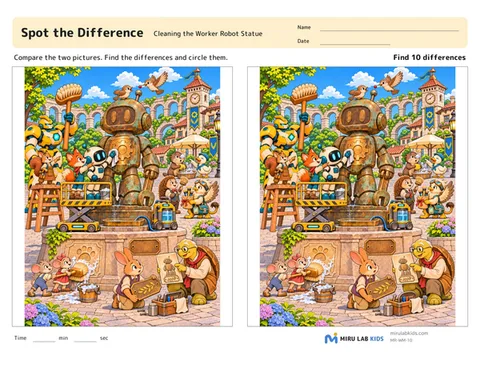
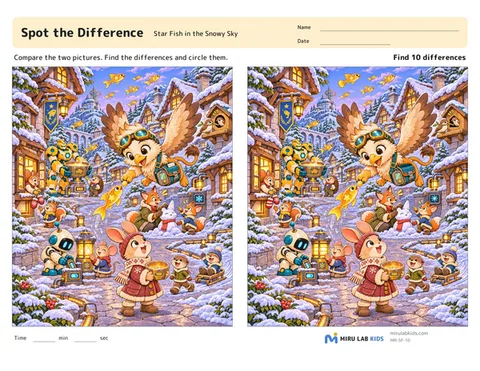
Aims of this activity
- Comparing two pictures in detail and noticing differences in shape, number, and direction (visual discrimination)
- Searching the whole picture in an orderly way without missing anything (visual attention and scanning)
- Remembering a spot in the left picture and comparing it with the same spot on the right (visual memory)
- Moving the eyes quickly and accurately between the two pictures (saccadic eye movements)
- Picking out the things to compare from a detailed picture (figure-ground perception)
Two pictures sit side by side.Your child looks for the places where they are different and circles them.To find a difference, your child looks at a spot in the left picture, remembers it, moves the eyes to the same spot on the right, and compares, over and over again.At higher levels there are more differences, the pictures are more detailed, the differences spread across the whole picture, and the changes become smaller, such as the shape, number, or direction of a part.The activity aims to use many sides of visual perception inside a fun picture.
Tips
- Circle each difference on the right-hand picture. The number at the top tells how many there are, so keep looking until you find them all.
- Page 1 is in color and page 3 is in black and white. Page 2 shows the answers with numbered circles.
For what to say, choosing a level and what to do if it is too hard, see Spot the Difference: a guide for grown-ups.
Choosing a level
Found them all happily
- Go up one level.
- Record the time and try another picture at the same level.
- Try the black-and-white worksheet (page 3).
Misses many or stops partway
- Go down one level.
- Give a hint about where the remaining differences are, such as "near the top" or "on the right side."
- Split the picture into top, middle, and bottom, and compare one part at a time.
- It is fine not to find them all at once. Finish the rest another day.
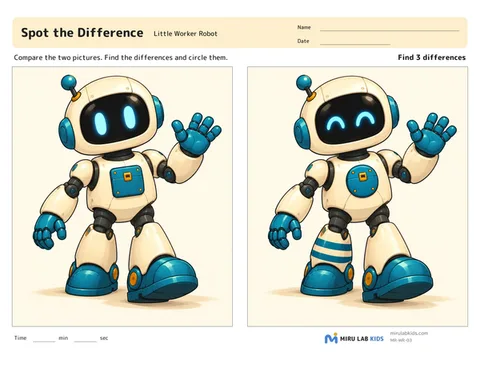
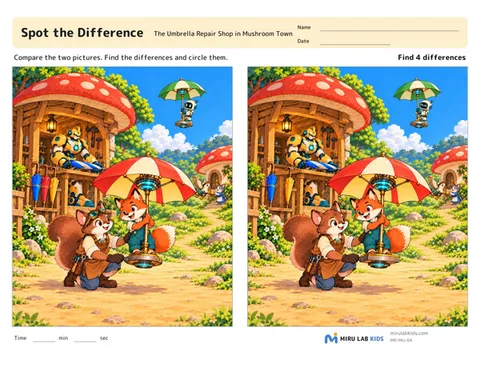
Things you can say
- Before startingWhat story do you think this picture tells?Talking about the picture first is a good way to start looking closely.
- When stuckLet's look near the top one more time.Before giving the answer, narrow down where to look just a little.
- On finding oneGreat find! What is different?Putting the difference into words makes clear what your child compared.
- CheckingLet's check with the answers.Put page 2 next to the worksheet and look together for any differences that were missed.